

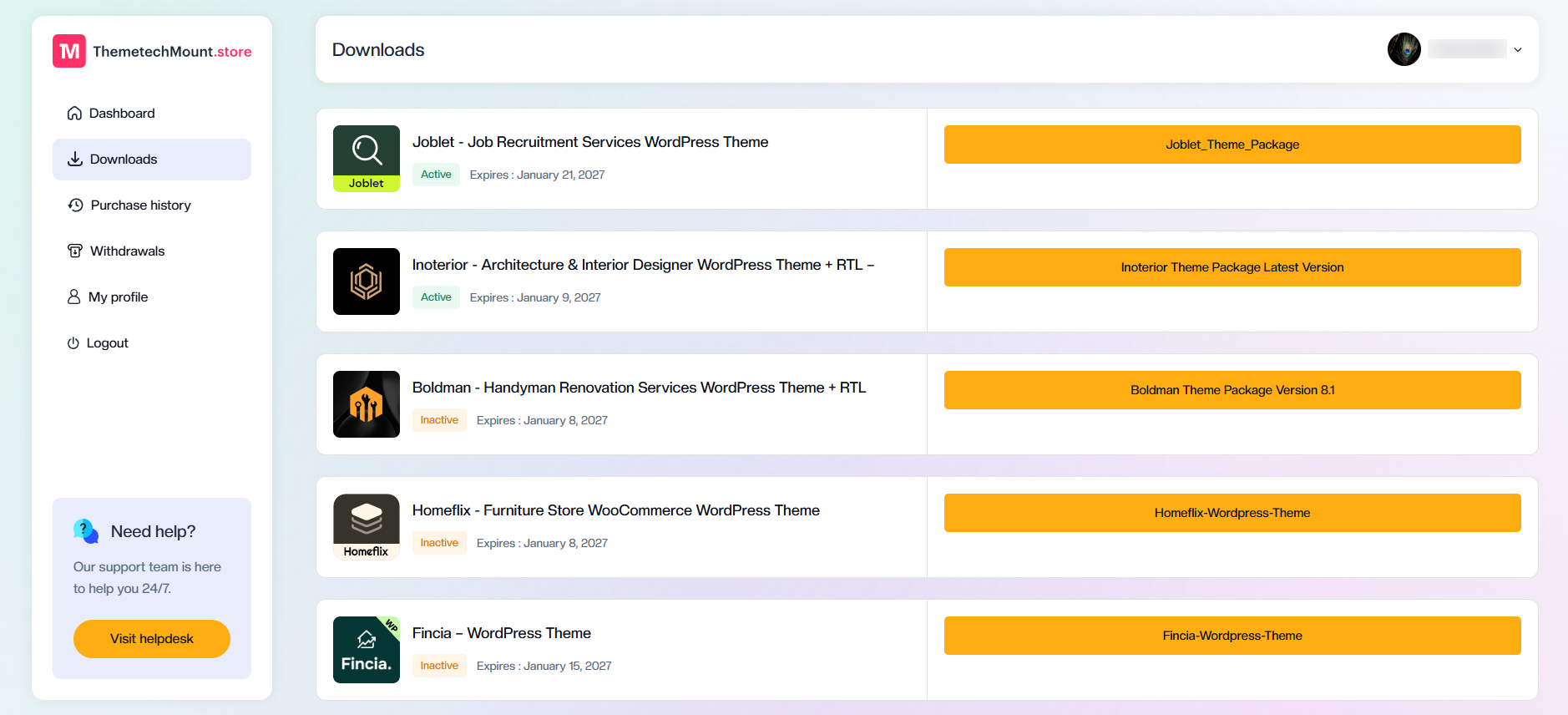
If you've recently purchased a theme from ThemetechMount Store and are unable to find the theme package, don't worry. Your purchased theme package is available in your account dashboard and can be downloaded in just a few clicks.
Follow the steps below to download your latest theme package.
After logging in, click Downloads from the left sidebar.
On this page, you'll see all the themes you've purchased along with their license status and expiration date.
Locate the theme you want to download.
On the right side, you'll find a large button displaying the latest available version of your theme package.
Click the download button to start downloading the latest theme package.
The downloaded package typically contains everything you need to get started, including: